Students may be missing one common function that was always at the ready--printing. Now that we are all working and learning remotely, there are a few things that can bring up moments of worry including 1) Not being able to submit the assignment in the preferred format, 2) not being able to collaborate or proof a hardcopy of a document or 3) the document vanishing from digital existence on your computer before you can print a backup copy. (that never happens!)
Here are a few tips that you can do as printing alternatives when you may not be able to have a physical copy. With ESU already providing Google services to students as well as Office 365 for all ESU students and employees to download, there are multiple options available.
The Universality of the PDF
Documents can be sent as PDF files--PDF standing for portable document format. So just as it says, the document can be on different platforms while staying the same for each user receiving the document. To save as a PDF in Google Docs, you would go to File>Download>Download as PDF. In other applications, you can simply choose to print the document as you would to a physical printer, but instead of choosing your printer you should have an option for "Print to PDF" or something similar. In MacOS, there is a "PDF" button on the print dialogue.
Google
PDF's are also very good when it comes to storing the documents, especially for archival purposes. ESU students can store your documents in Google Drive, which means you won't have to worry if your documents are safe and secure. Google Drive is available from Windows, Mac, web browsers and mobile devices, giving you quick access wherever and whenever you need it. The ability to share from Google Drive also means you don't have to print out and distribute copies of documents--the most current version is always available to you and those you are collaborating with.
Google has an online saving that makes your documents easy to keep track of. Google Drive saves your work as you continue to make progress on it, guaranteeing that your documents will be as up to speed as possible. Google also offers Offline Editing which allows you to work without wifi or internet access, this is very helpful for those who might not have home internet! This is also beneficial because it gives you access wherever you go by being able to login to your account wherever there is a computer or mobile device.
Office 365
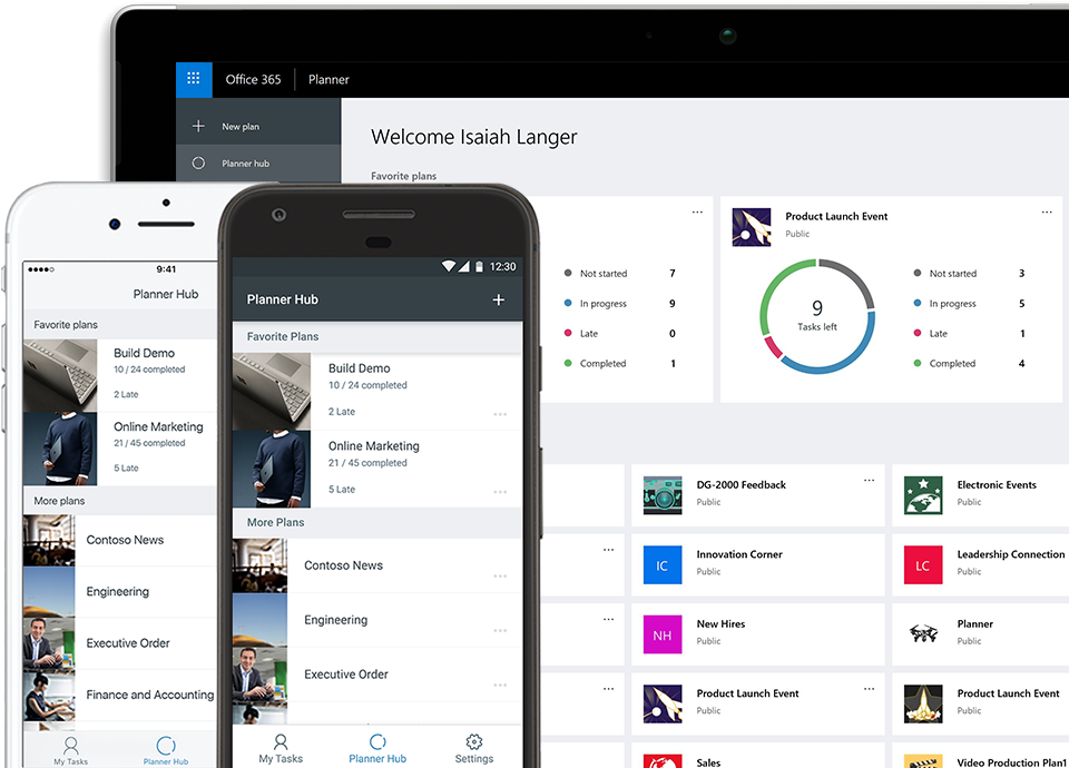
Office 365 offers many of the same features provided by Google services, but also has the added value of desktop and mobile versions of software. Word, Excel, PowerPoint and the other long-trusted suite for software integrates with your OneDrive personal storage (offered to all ESU students and employees), as well as employee's departmental SharePoint Drives. With the current realities of working remotely, having a secure "cloud" environment to share, work, and collaborate has greatly improved the productivity and capabilities of our Office 365 users.
Do it LIVE!
We previously mentioned the sharing capabilities of Google, which is also true for Offie 365. Along with that feature is the ability to edit a document right alongside your group members. Using Google Docs or Microsoft Word you can each be making and discussing changes live--and seeing them as they happen. There is no special setup--these are built-in features and they extend to spreadsheets, presentations and other document formats. If you can create, proof and finalize a document live, there's no need to print it out and markup multiple versions!
Digital Ink
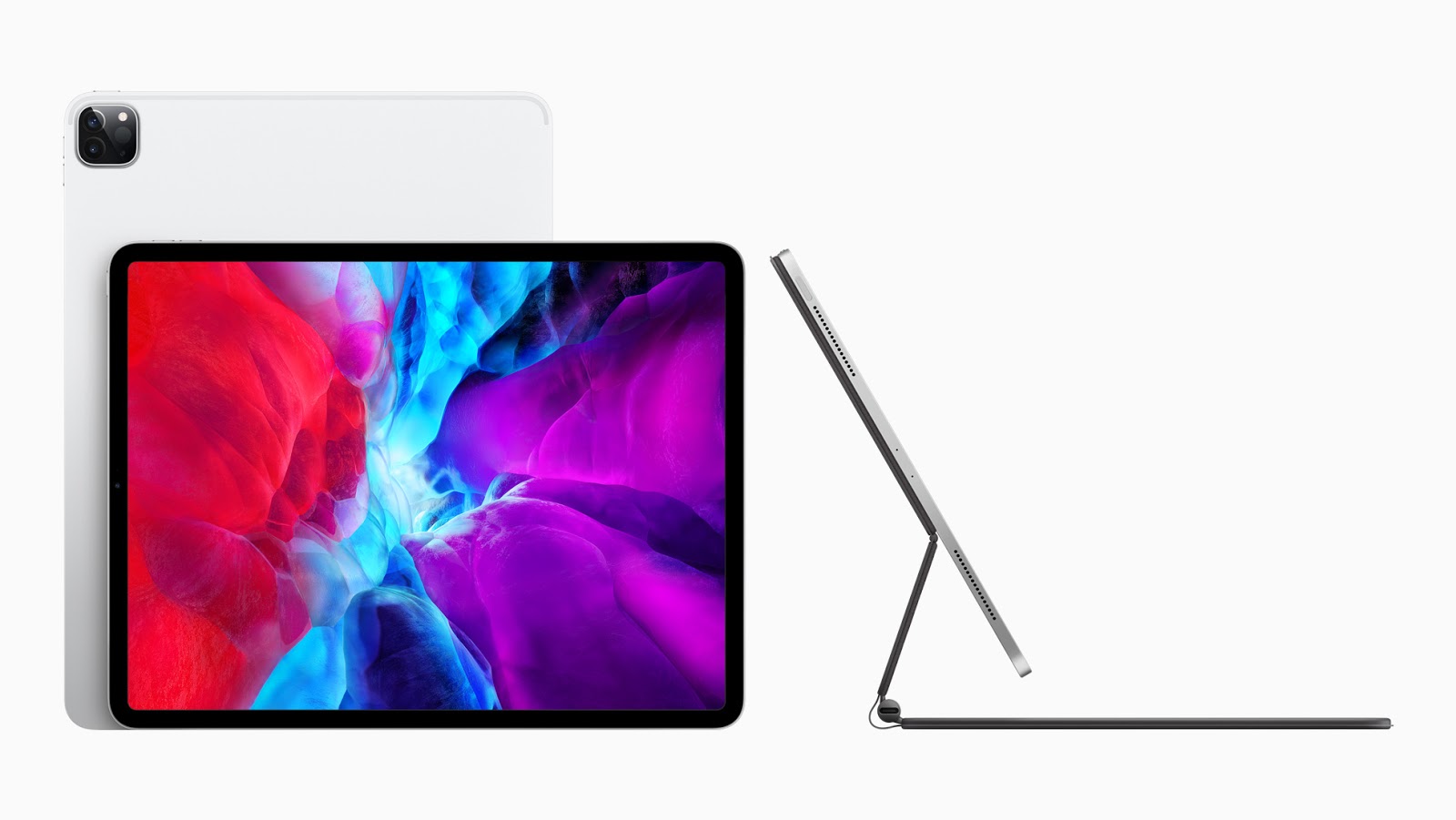
While these apps are great to use, you may choose a hardware solution that can make it seem like you're righting with a pen on paper, too. Having an Apple Pencil with your iPad or Surface Pen with your Microsoft Surface makes taking notes and editing a document much easier--and completely natural if you're used to doing it on a printed copy. Using Microsoft Office's digital inking capabilities or any variety of mobile apps that support inking, allows you to write on the screen as if the document were actually in front of you as a printed piece of paper.
E-Fax
For ESU departments, E-Fax is a service that allows you to send and receive the document as if they were on an actual fax machine, but on your device. Users can fax from anywhere using your smart device or computer. This makes it a lot easier when sending documents that require printing (when you get back to the office) or are of a nature that require enhanced security.
These are just a few of the awesome applications that are available to use for your benefit! Hopefully, this gave you some knowledge that you can apply when learning or working remotely. Questions and concerns can be answered by contacting the IT Help Desk.
Stay Healthy Hornets!
Dakota Taylor
Social Media Student Assistant
Web & Digital Strategies

 If there's one thing I know, I know that we all know the word 'Google'. Generally, people know Google for its search engine which is widely used across the nation and the world. What many people don't know is the vast amount of services that Google provides us! I would like to cover some of those services and how we utilize them at Emporia State.